
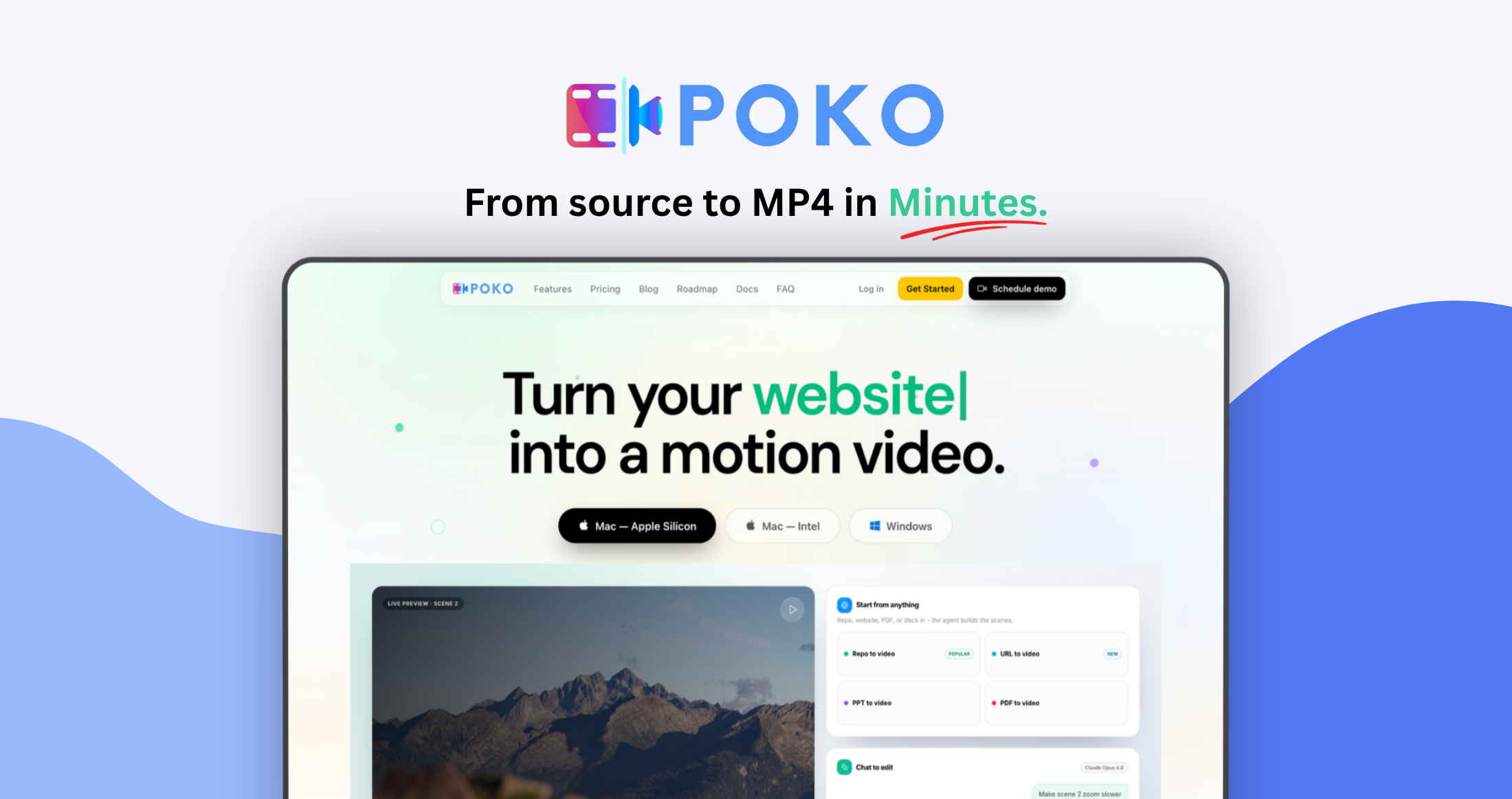
Turn your product into a motion video!
Poko Motion is a desktop Al video studio that turns project repos, websites, PDFs, PowerPoint decks, research papers, and simple prompts into polished motion videos.
Best for founders, marketers, developers, agencies, and researchers who need polished product demos, explainers, launch videos, and social content.
Start with content you already have
- Repo to video: Build product demos, launch videos, feature announcements, and changelog videos from a real codebase.
- URL to video: Capture the copy, screenshots, colors, and visual direction of a public website.
- PDF to video: Turn reports, pitch decks, whitepapers, and product documents into narrated videos.
- PowerPoint to video: Use an existing PPTX deck as the starting point for animated scenes.
- Research paper explainer: Turn a paper into a clearer visual explanation.
- Animation Maker: Describe an animation in a prompt and let the agent build it.

Edit by chatting
Ask for changes in plain English:
- "Make the opening faster."
- "Zoom into the pricing card."
- "Use a dark background."
- "Add captions and background music."
- "Turn this into a vertical social video."
The agent updates the project and refreshes the live preview. You can also ask Poko to show a scene plan before it builds the complete video.

Poko Pulse and flexible Al models
Poko Pulse is the default quality-focused managed model route for complete motionvideo builds.
Poko Flow offers a faster option for quicker generations and edits. Eligible plans can also use their own provider setup, including API keys, Claude or ChatGPT connections, and compatible model gateways.

Agent Canvas
Agent Canvas Manage video projects on a Figma-style visual canvas. Drag and arrange project cards, pan and zoom, add labels, group client work, and monitor active or queued agents in real time.
Plans with parallel-agent access can build multiple videos at once.
This is best suited for people posting 2–7 times per week who want to significantly reduce costs without losing capability.

Narration, music, sound, and captions
Poko can generate timed narration, background music, sound effects, and designed subtitles.
Use built-in voices, connect supported voice providers such as eleven labs or cartesia through API keys, or create a voice clone with consent. Generated audio is added to the local project and synchronized with the scenes.

MCP servers and custom skills
Connect trusted remote MCP servers over HTTP or SSE to give the agent access to external tools.
You can also add local folders containing a SKILL.md file. Enabled skills appear in Studio's slash menu, making it possible to reuse brand rules, client workflows, or specialized production instructions.

Render on your computer
The live preview and final rendering run through the desktop app on your machine. This removes the shared cloud render queue and avoids per-render charges.
Export options include: MP4 and WebM, 24, 30, or 60 FPS, draft, standard, and high quality, 4K, 1080p, square, and vertical projects, adjustable processor usage, custom save destination.

A clear approach to privacy
Your editable workspace, source assets, preview, chat history, and final renders are stored on your device. Poko stores account, billing, usage, and project metadata-not your complete local workspace or rendered files by default.
Rendering remains local. When you use Al or online features, only the information required for that request may be sent to Poko or your selected provider. This can include prompts, relevant project context, PowerPoint files, transcription audio, narration scripts, voice samples, music, sound effects, or MCP requests.
Poko does not upload or save your complete project merely to render your video.
Who is Poko Motion for?
• Startup founders creating product demos and launch videos
• Indie hackers promoting new products
• DevRel teams turning repos and documentation into explainers
• Marketers producing product videos and social creative
• Freelancers and agencies handling client projects
• Product teams creating feature walkthroughs
• Researchers turning papers into visual explainers
