
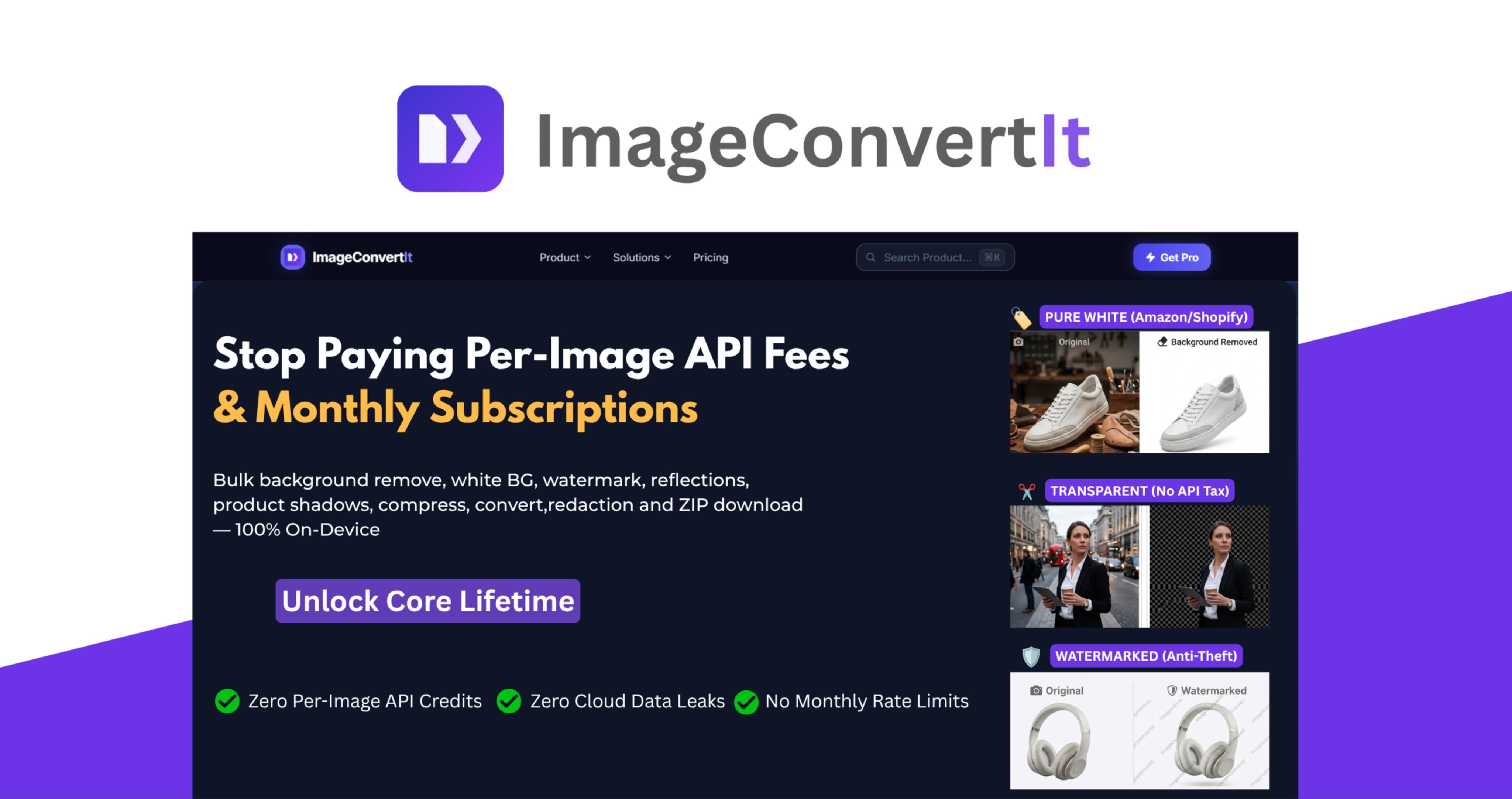


Still paying per image just to handle everyday image and document work?
If you sell on Amazon/Shopify, run an agency, publish on KDP, or handle client/legal files, the real cost isn't "one tool." It's per-image fees, monthly caps, upload queues, and stacking point solutions every time volume grows.
ImageConvertIt Lifetime on Dealify is the Core pass: bulk e-commerce catalog & product photography, format & conversion, and privacy & legal tools that run on your device.
This lifetime deal unlocks Lifetime Core - the ondevice production layer for bulk e-commerce catalog, format & conversion, and privacy & legal workflows, giving e-commerce sellers, agencies, freelancers, photographers, and other professionals tools for processing, converting, optimizing, and protecting visual assets — all without recurring per-image fees or cloud upload queues.
From product photography and KDP assets to PDFs, legal documents, and sensitive client files, ImageConvertIt lets you handle demanding workflows directly on your own hardware.
Automated E-Commerce Studio: Prep 50 raw product photos for Amazon/Shopify instantly. Auto-align, add pure white backgrounds, generate realistic drop shadows and reflections, batch catalog watermarking including promotion text & logo and stamp SKU barcodes and qr codes on multiple products in one click.
On Device privacy: Privacy & legal Core tools (face blur, plate redaction, Bates, redaction logs, exhibit pages, EXIF/GPS wipe) process on your device. Files are never uploaded. Stay online for the first Process with test file after that, Core tools run offline. (Note: This is a standalone tool, not a certified enterprise FOIA or e-discovery platform).
Bulk Convert HEIC to JPG, PNG to WebP, Image to PDF, PDF to Image or use Al Vectorize (PNG to SVG) in without sacrificing quality.
Core files are never uploaded. Zero per-image Core API fees and no monthly Core processing caps. Stay online for the first Process on test file so the local engine can load; after that, Core runs offline.
Get ImageConvertIt once and use it forever.
Built for high-volume users: ideal for e-commerce sellers, KDP publishers, agencies, freelancers, photographers, SEO professionals, content studios, and legal teams.
Why ImageConvertIt?
ImageConvertlt puts bulk e-commerce catalog, format & conversion, and privacy & legal Core tools in one place on your device so you don't need multiple per-image subscription apps for daily batch work, giving high-volume users a way to replace per-image Core API fees and recurring subscriptions with one Lifetime Core pass. Cloud Al features remain separate.
- Unlimited Core batches. Each batch queue handles up to 50 files at a time. No monthly Core volume caps.
- No per-image API fees: Bulk background removal, image conversion, compression, and other core workflows don't come with a recurring per-image charge.
- 50-file local batches: Process up to 50 files at once while running unlimited batches throughout the month.
- Local-first privacy processing: Core tools run on your local hardware. Files are never uploaded. The first Process with a test file on each tool requires the internet; subsequent runs execute offline.
- Three production pillars in one ecosystem: Handle image processing, e-commerce workflows, format & conversion, legal & privacy protection tasks without switching between multiple applications.
- Specialist Core tools: Bates numbering, PDF redaction logs, evidence exhibit pages, on-device vectorization (PNG to SVG), KDP bleed checking, and barcode/QR stamping on product photos.
- Built for high-volume workflows: Whether you're processing high volume product images or converting files, ImageConvertIt is designed around repeated local batch processing up to 50 files per queue, as many Core queues as you need. No monthly Core caps.
- One-time payment: One-time payment for Lifetime Core. Not a monthly subscription. Cloud Al tools are not included.
- Faster processing: After the first one-time Process while online with a test file, Core processes locally on your machine with zero file upload wait times.
- Privacy-focused: Keep client assets, product photography, documents, and other sensitive files on your own hardware.
- Multiple ways to use it: Access ImageConvertIt through the web app, native Windows app, and approved Chrome, Edge, and Firefox extensions.
- LTD-safe architecture: Lifetime Core runs on-device and does not use per-image cloud compute. Cloud Al tools (not included in this pass) use separate GPU cloud servers.

How It Works
Choose your workflow: Pick the tool you need, whether you're removing backgrounds, adding watermark, compressing images, converting formats, processing PDFs, adding Bates numbers, or removing sensitive metadata.
Add your files: Select the images or documents you want to process from your device.
Create a local batch: Add up to 50 files to a batch and configure the workflow according to your requirements.
Process on your device: ImageConvertIt handles core processing locally, stay online for the first Process with a test file so the engine caches. Files are never uploaded. After that initial run, Core runs offline.
Review the results: Check your processed files and make sure everything meets your requirements.
Export your files: Download individual results or export the entire completed batch as a single ZIP archive.
Run another batch: run as many Core batches as you need. Up to 50 files per queue with no monthly volume caps.
Key Features That Turn Hundreds of Image and Document Tasks Into One Workflow

-
E-Commerce & Creators
- Bulk background removal for high-volume product catalogs
- Pure white RGB 255,255,255 backgrounds for Amazon and Shopify product photography
- Bulk Catalog Watermarking
- Bulk Background Colour Changer
- Add Text to Product Photos
- Adjust Product Photos In Bulk
- Align Product Photos In Bulk
- Add Logo to Product Photos In Bulk
- Add Reflections to Product Photos In Bulk
- Add Shadow to Product Photos
- Barcode & QR Code Generator
- Book Cover Bleed Checker
-
High-Volume Image Processing
- Instant batch image compression
- Reduce large files, such as 12MB images to approximately 450KB
- Bulk image resizing
- Bulk image cropping
- Bulk image upscaling up to 4K
- Bulk format conversion
- Bulk Al Vectorize - PNG to SVG
- Local 50-file batch processing
- Unlimited total monthly execution runs
- Bulk ZIP export for completed files
-
Document & PDF Suite
- Bulk image-to-PDF conversion
- Bulk PDF-to-image conversion
- Bates numbering in bulk
- PDF & image redaction
- Bulk legal evidence exhibit pages from photos
- Bulk document processing
- On-device tools for Bates numbering, redaction logs, exhibit creation, and EXIF/GPS wiping. (Not a certified e-discovery platform).
-
Privacy & Compliance
- EXIF metadata reader
- EXIF metadata wiper
- GPS location metadata wiper
- Bulk face blurring
- License plate redaction
- Local processing for sensitive images and documents
-
Local-First Architecture
- Every Core workflow included: bulk e-commerce catalog, format & conversion, PDF, and privacy & legal tools. On-device after initial online cache. Cloud Al not included.
- RAM-safe local batching engine
- 50-file local processing queues
- Unlimited monthly execution runs
- Zero API fees for core workflows
- Core files are never uploaded. First process on each tool requires the internet to download the local engine.
- Download completed batches as ZIP archives


Who's ImageConvertIt Best For?
- E-commerce sellers: Process large product catalogs with bulk background removal, pure white or transparent backgrounds, compression, resizing, format conversion, watermarking, and barcode or QR code generation.
- KDP publishers: Prepare book covers, check bleed requirements, optimize publishing assets, and process large numbers of images without paying per-file fees.
- Freelance web designers: Compress, resize, crop, and convert client images in bulk while avoiding separate subscriptions for every image-processing task.
- Independent photographers: Process large batches of images, optimize files for delivery, remove metadata, and protect client privacy before sharing finished assets.
- Digital marketing agencies: Handle high-volume campaign and client assets without recurring per-image API charges or cloud processing limits.
- SEO professionals: Compress large image libraries, convert files to modern formats such as WebP and AVIF, resize assets, and prepare images for faster websites.
- Content studios: Manage large volumes of visual assets through repeatable local batch workflows while keeping files on local hardware.
- Legal workflows: Bates numbering, redaction logs, exhibits, face/plate blurring, and EXIF/GPS wiping — on-device after initial engine cache. (Not a certified compliance suite).
- Freelancers and solopreneurs: Replace several individual image and document subscriptions with one comprehensive toolkit for everyday client and business workflows.
- High-volume businesses: Anyone regularly processing hundreds or thousands of images can benefit from unlimited local workflows without recurring per-image costs.
