
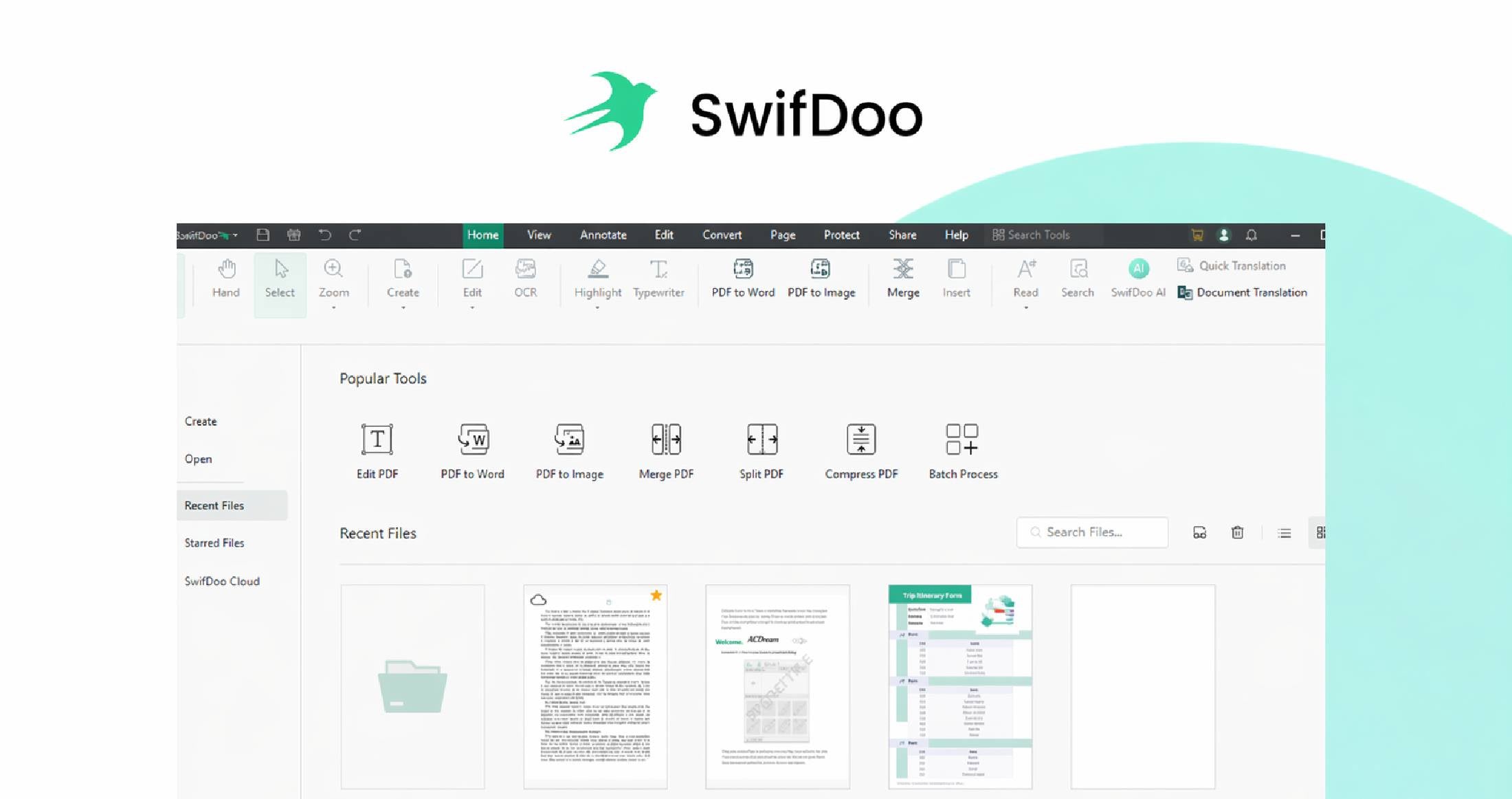
Need a simpler way to edit, convert, sign, and manage PDFs without paying forever?
SwifDoo PDF is a fast, lightweight, all-in-one PDF solution built for people who want full PDF functionality without the usual complexity or recurring fees. With a lifetime plan covering up to 8 devices, it gives individuals, teams, and businesses a flexible way to handle PDFs across Windows, Mac, iOS, and Android.
With SwifDoo PDF, you can:
- Edit PDF text, images, links, and pages with ease
- Convert PDFs to and from Word, Excel, PowerPoint, images, CAD files, and more
- Merge, split, compress, organise, protect, and print PDFs
- Fill and sign forms, including legally binding electronic signatures
- Use OCR to recognise text in scanned PDFs and image-based files
- Work with AI tools to summarise, translate, proofread, rewrite, and analyse PDFs
- Access and share files across devices with cloud support
If you want an affordable PDF toolkit that’s fast, capable, and easy to use, SwifDoo PDF is a smart choice.
Lightweight, easy to use, AI-powered, and compatible across up to 8 devices.
Why SwifDoo PDF?
- Covers 8 devices: ideal for multi-device users and flexible workflows
- Lightweight and fast: small install size with quick response times
- All-in-one toolkit: edit, convert, sign, compress, protect, and organise PDFs in one place
- Cross-platform support: works across Windows, Mac, iOS, Android, and web access
- Strong file compatibility: supports Office files, images, CAD formats, URLs, TXT, and scanned documents
- AI-powered productivity: summarise, translate, explain, proofread, and rewrite PDF content faster
- Lifetime value: one purchase, no recurring subscription fees
- Free lifetime upgrades: stay current without extra cost
- Secure and reliable: password protection, permission controls, and e-signature support
- Easy to use: simple interface designed to reduce friction and save time
How It Works
SwifDoo PDF is designed to make PDF work feel straightforward from the start.
First, open or create your PDF from a wide range of file types, including Office documents, images, CAD drawings, URLs, and scanned paper files. From there, you can edit text and images, add annotations, rearrange pages, merge files, split documents, or compress file size for easier sharing.
When you need to convert files, SwifDoo PDF helps preserve original formatting while moving between PDF and formats like Word, Excel, PowerPoint, JPG, PNG, DWG, and more. For scanned files, OCR turns image-based documents into searchable, editable PDFs.
Its AI tools help you move faster by summarising long files, translating selected text, proofreading content, rewriting passages, and extracting key insights from dense documents. And because it works across Windows, Mac, iOS, Android, and web, you can keep your PDF workflow moving wherever you are.
Key Features that Turn PDF Friction Into Fast Work

-
Easy PDF editing
Edit text, images, hyperlinks, and pages directly inside your PDF with a simple, intuitive interface. -
Powerful file conversion
Convert PDFs to and from Word, Excel, PowerPoint, images, HTML, CAD, EPUB, and more while keeping formatting intact. -
OCR for scanned documents
Recognise text in scanned PDFs and image-only files so you can search, copy, edit, and reuse content. -
AI document assistance
Summarise, translate, explain, proofread, rewrite, and chat with PDF content to save time and improve clarity. -
Merge, split, and organise pages
Combine documents, separate pages, reorder files, and structure PDFs however you need. -
Compression without the headache
Reduce PDF file size for easier sharing and storage without major quality loss. -
Forms and e-signatures
Fill out forms and sign PDFs electronically for faster document turnaround. -
Security and protection
Apply password protection, control permissions, and keep sensitive files secure. -
Cloud-friendly access and sharing
Store, access, and share PDFs easily across devices for more flexible work. -
Cross-device productivity
Work across Windows, Mac, iOS, Android, and web so your PDF tools stay with you wherever you go.

Who's SwifDoo PDF Best For?
- Office professionals who need a reliable everyday PDF editor and converter
- Students working with assignments, notes, scanned documents, and research files
- Freelancers who want professional PDF tools without expensive subscriptions
- Small and medium-sized businesses looking for a cost-effective PDF workflow solution
- Educational institutions needing accessible tools for staff and students
- Multi-device users who want to work seamlessly across desktop and mobile
- Global users and resellers looking for a practical, affordable alternative to traditional PDF software
Testimonials


⭐⭐⭐⭐⭐ Read all reviews here.