
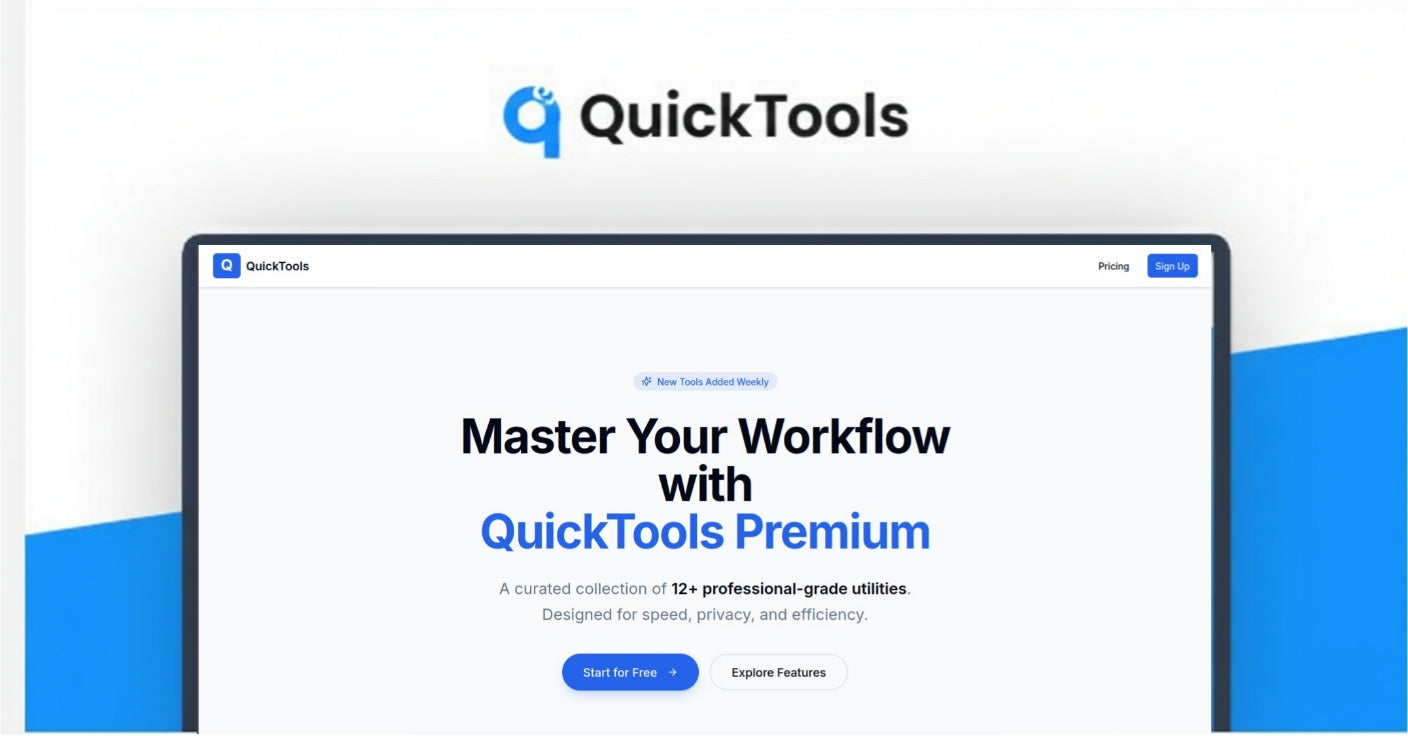


Ever find yourself bouncing between five different websites just to shorten a link, convert a file, compress an image, and generate a QR code?
QuickTools is an all in one, browser based toolkit that gives you instant access to the everyday utilities you keep needing, all from one clean interface. No downloads. No complicated setup. Just fast results, whenever you need them.
With QuickTools, you can:
• Shorten URLs and track clicks with built in analytics
• Convert images and files into the formats you actually need
• Generate QR codes for links, text, vCards, and more
• Compress images and media to reduce file size without the quality pain
• Edit PDFs, merge, split, add text, and handle quick document fixes
• Remove backgrounds and prep visuals faster
• Create simple logos for new projects and quick experiments
Open QuickTools and get your first task done in under a minute.
Ideal for developers, creators, marketers, freelancers, small businesses, and students who need quick digital utilities without paying for multiple subscriptions or wasting time tab switching.
Why QuickTools?

Because your workflow should not feel like a scavenger hunt.
QuickTools saves you time and frustration by consolidating 10 plus essential utilities into one place.
Instead of juggling multiple sites packed with ads, sign ups, and random limitations, you get a smooth, consistent experience that stays out of your way.
What makes it different:
• All in one dashboard so you stop tab switching and tool hunting
• Zero friction access with no mandatory account and no installation
• Privacy first processing with secure uploads and no data retention
• Clean, modern UX instead of cluttered, ad heavy interfaces
• Works anywhere on desktop or mobile, in any browser
• Built for speed when you just want the result and want it now
How It Works
- Open QuickTools in your browser
- Pick a tool (URL shortener, QR generator, converter, compressor, PDF editor, logo maker, and more)
- Upload or paste your input (a file, a link, text, an image)
- Adjust your settings if you want more control (format, compression level, QR style, etc.)
- Get your result instantly and download or copy it in seconds
Key Features that keep your workflow moving

• URL Shortener with analytics for clean links and performance tracking
• QR Code Generator for URLs, text, vCards, and shareable info
• Image Compressor to cut file size dramatically while preserving quality
• Image Format Converter (PNG, JPEG, SVG, ICO, WEBP, and more), including bulk conversion
• PDF Editor to add text, merge, split, compress, and handle quick edits
• Logo Creator for simple brand marks, fast drafts, and new ideas
• Background Removal for product shots, thumbnails, and clean visuals
• Mobile friendly experience so you can work from anywhere
• Privacy focused design with secure processing and no data retention
• Free core tools with premium options for people who need more power

Who's QuickTools Best For?
QuickTools is best for anyone who wants speed, simplicity, and privacy in their daily digital workflow, especially:
• Developers and designers who need reliable utility tools without setup overhead
• Content creators juggling multiple media formats across platforms
• Digital marketers working with links, images, landing assets, and shareable content daily
• Freelancers and solopreneurs who want one toolkit instead of multiple subscriptions
• Small business owners who need occasional tools without extra complexity
• Students and educators building projects, submitting files, and sharing resources quickly