
Ever feel like your team spends more time switching between tools than actually getting work done?
Modern teams juggle project management platforms, chat apps, documentation tools, form builders, support systems, and analytics dashboards — all scattered across multiple subscriptions. The result? Context switching, wasted hours, fragmented data, and rising costs.
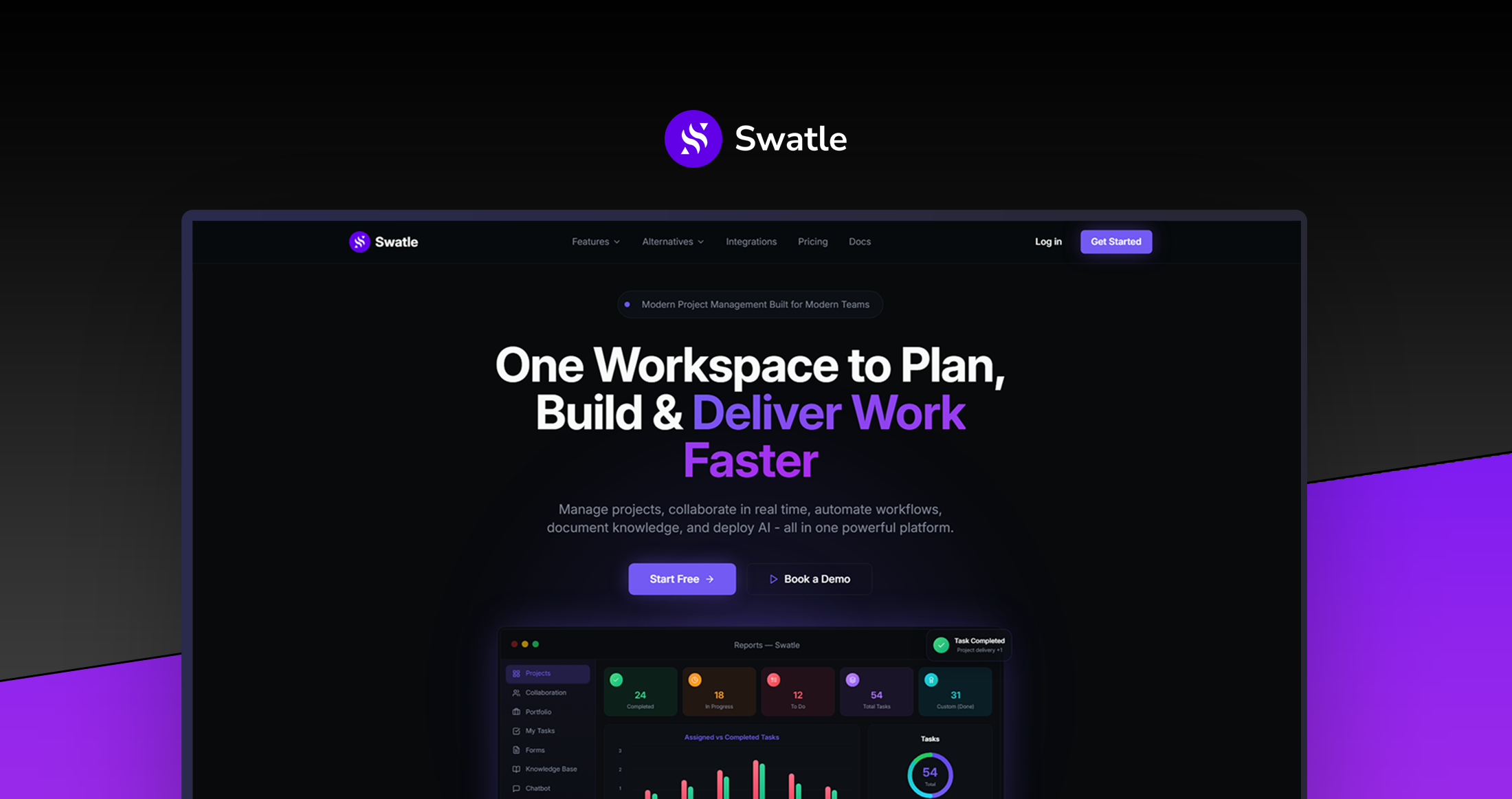
Swatle brings everything together into one intelligent workspace. It combines project management, collaboration, documentation, automation, analytics, and AI-powered workflows into a single platform designed to simplify how teams work.
Instead of stitching together 5–7 different tools, your team can plan, communicate, document, automate, and analyse work in one unified environment.
With Swatle, teams can:
-
Manage projects using Kanban, Scrum, Gantt, Roadmaps, and List views
-
Communicate through built-in real-time chat and project channels
-
Turn forms and submissions directly into tasks
-
Centralise company knowledge with an integrated documentation hub
-
Automate support and workflows with AI chatbots and smart automation
-
Track progress with live analytics, workload insights, and automated reports
-
Connect external systems through an open API
The result? Less tool chaos, fewer subscriptions, and 15+ hours saved every week per team member.
👉 Try Swatle and bring your entire workflow into one intelligent workspace.
Best for teams, startups, agencies, and agile teams that want a simpler, unified workspace.
Why Swatle ?
Most productivity tools solve only one piece of the puzzle.
Project management platforms track tasks. Chat apps handle communication. Wiki tools store documentation. Form builders collect information. Support tools manage tickets.
But when these systems live in separate platforms, teams lose time switching between them and information becomes fragmented.
Swatle was designed to solve this fragmentation.
Instead of stacking multiple subscriptions and integrations, Swatle delivers a unified Work OS where projects, communication, documentation, automation, analytics, and support workflows all live together.
The result is a workspace where:
-
Teams spend less time switching tools
-
Information stays connected and searchable
-
AI automates repetitive work
-
Projects move faster with real-time collaboration
-
Businesses save thousands annually on software subscriptions
With Swatle, productivity isn’t about adding more tools — it’s about simplifying how work happens.
How it Works
Swatle acts as a central operating system for your team’s work.
Everything flows through one platform where tasks, conversations, documentation, forms, automation, and analytics remain connected.
Step 1 — Organise Workspaces with Portfolios
Create portfolios for teams, clients, departments, or initiatives. Each portfolio becomes a structured workspace where projects and resources live.
Step 2 — Plan Projects Your Way
Manage projects using multiple views and methodologies, including:
-
Kanban boards
-
Scrum sprints
-
Gantt timelines
-
Roadmaps
-
Task lists
-
Calendar planning
Teams can switch perspectives without switching tools.
Step 3 — Collaborate in Context
Built-in chat, project channels, and file sharing keep discussions tied directly to the work being done. Conversations remain searchable and connected to tasks.
Step 4 — Capture Requests Automatically
Use built-in forms to collect requests, feedback, or project submissions. Every submission can automatically generate tasks inside the system.
Step 5 — Automate Workflows with AI
Swatle’s AI capabilities allow teams to:
-
Create tasks through conversational prompts
-
Power customer support chatbots
-
Generate reports and insights
-
Automate repetitive processes
Step 6 — Track Progress with Live Insights
Dashboards provide real-time visibility into team workload, project progress, sprint velocity, and operational performance.
The entire workflow — from idea to execution — stays connected in one system.
Key features that eliminate tool chaos and unlock smarter teamwork

Multi-Methodology Project Management
Support for Kanban, Scrum, Gantt charts, Roadmaps, Lists, and Calendar views lets teams manage work in the structure that fits each project.
Built-In Team Communication
Real-time chat, project channels, and file sharing keep conversations connected to work without needing external messaging tools.
Intelligent Form-to-Task Automation
Flexible forms collect submissions and automatically convert them into structured tasks with custom field mapping.
Integrated Knowledge Hub
Teams can build a searchable documentation system with collaborative editing, version history, and portfolio-based organisation.
AI Support & Automation
Custom AI chatbots can handle support questions, create tickets automatically, and connect with the internal knowledge base.
Open Developer API
Swatle offers RESTful API access, enabling developers to connect workflows, automate tasks, and integrate external tools.
Real-Time Analytics & Reporting
Live dashboards track project progress, team workloads, sprint burndown charts, and performance metrics without manual reporting.
Flexible Project Views
Switch between list, Kanban, Gantt, calendar, roadmap, or sprint views depending on what perspective is needed.
Epic & Hierarchical Project Structure
Organise complex initiatives with epics, task hierarchies, story points, labels, and workflow customisation.
Portfolio-Based Organisation
Separate workspaces for teams, departments, or clients with granular permission control and clear project organisation.

Who should use Swatle?
Swatle is ideal for teams that want to simplify their tech stack while improving collaboration and productivity.
Small to Mid-Sized Teams
Companies with 5–100 team members looking for a unified workspace instead of juggling multiple productivity tools.
Agencies Managing Multiple Clients
Creative, marketing, and development agencies that need clear project structures across different clients and teams.
Agile Development Teams
Teams using Scrum or Kanban who want sprint management, backlog tracking, and project planning in one environment.
Startups Optimising Costs
Young companies that want enterprise-level productivity tools without paying for multiple SaaS subscriptions.
Customer Support Operations
Businesses that need automated support workflows, ticket generation, and AI chatbots connected to internal knowledge bases.
Integration-Focused Teams
Engineering teams that need a developer-friendly API to build custom workflows and integrations.

⭐⭐⭐⭐⭐ Read more real users' reviews here.
