
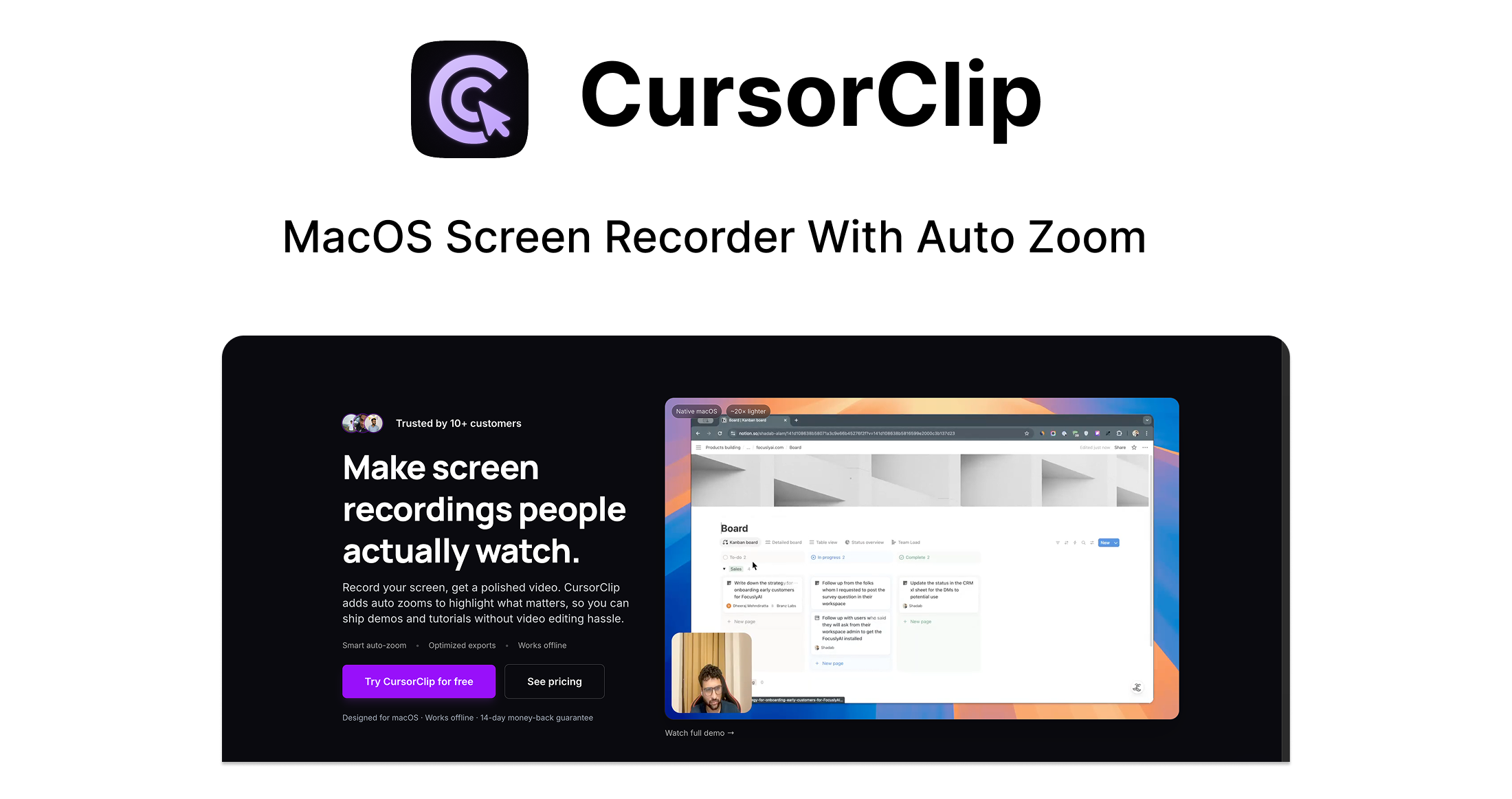


What if your screen recordings looked polished—right after you hit stop?
CursorClip turns raw screen captures into polished, cinematic demos in minutes, so you can focus on building, teaching, or selling instead of wrestling with video editing softwares.
-
Auto-focus on what matters – your cursor drives the camera, with smooth zooms and pans that keep viewers’ eyes exactly where they should be.
-
Camera + screen together – record your webcam alongside your screen for more human, engaging demos and tutorials.
-
Zero-edit workflow – no timelines, no keyframes, no complex UI. Just hit record, preview, export.
-
Native & ultra-light – an 18 MB macOS app that launches in seconds and doesn’t slow your machine down.
-
Pay once, use forever – no subscriptions, no accounts, no weird upsells.
Download CursorClip, hit record, and start shipping demos people actually want to watch—without spending hours in an editor.
Perfect for demos, tutorials, and walkthroughs from founders, creators, educators, and agencies.
Why CursorClip?
CursorClip exists for people who have something worth showing, but not the time (or desire) to become a video editor.
Most screen recorders give you a flat, static view of your entire screen.
CursorClip gives you storytelling: it automatically zooms and pans around your cursor, turning simple walkthroughs into dynamic, easy-to-follow experiences. That means fewer confused viewers, fewer rewatches, and a lot more “ohhh, I get it now.”
It’s also built on a few clear principles:
-
Smart, not complicated
No timelines. No keyframes. Just intelligent cursor tracking that knows where to focus, so your recordings look pro without you touching an editor. -
Fast, not bloated
CursorClip is a tiny 18 MB native macOS app, compared to competitors at 350+ MB. It launches fast, stays out of your way, and doesn’t hog your CPU or RAM. -
Honest, not greedy
You pay once and you’re done. No subscriptions, no forced cloud usage, no surprise upsells. Just a tool you own and can rely on.
If you care about clarity, polish, and your time, CursorClip is the missing piece between “I recorded something” and “I shipped a demo I’m proud of.”
How It Works
From recording to polished demo in minutes:
-
Record
Capture your screen, system audio, and microphone in one go. Turn on your webcam if you want picture-in-picture for a more personal, “over-the-shoulder” feel. While you present, CursorClip’s smart tracking quietly follows your cursor and prepares the zooms and pans in the background. -
Preview
When you’re done, hit stop and instantly preview your recording. CursorClip automatically applies cinematic zoom and pan effects that follow your cursor and key interactions, so your viewers never have to hunt for what’s happening on screen. No editing timeline, cuts, or keyframes required. -
Export
Happy with how it looks? A one-time purchase unlocks unlimited, watermark-free exports. Save your polished demo, upload it to your favourite platform, or (soon) share it via instant, shareable links—ready to send to customers, students, or your team.
Key Features that Turn Clicks Into Cinematic Demos

-
AutoZoom that follows your cursor
Wherever your cursor moves, CursorClip’s camera follows. It automatically zooms in on key actions—clicks, inputs, hover states—so viewers stay focused on what matters instead of getting lost in a full-screen blur. -
Camera capture for human connection
Record your webcam alongside your screen to add personality and trust to your demos, tutorials, and walkthroughs. Perfect for founders pitching, educators explaining concepts, or creators building an audience. -
Custom backgrounds for standout videos
Swap in clean, branded, or eye-catching backgrounds behind your camera feed for a more polished visual style. Your demos feel intentional and “designed,” not thrown together. -
Ultra-light native macOS app (18 MB)
CursorClip is a tiny, native macOS app—around 18 MB—compared to other tools that weigh in at 350 MB or more. It launches quickly, runs smoothly, and doesn’t bog down your Mac while you’re recording. -
Upcoming: Instant shareable links
Soon, you’ll be able to generate shareable links straight from CursorClip, so you can send your latest demo or tutorial in seconds—no extra upload steps required. Ideal for async updates, client reviews, and quick product teases.
Who's CursorClip Best For?
CursorClip is designed for anyone who needs clear, engaging screen recordings—but doesn’t want to live inside an editing tool. It’s especially powerful for:
-
Founders & indie makers
Perfect for shipping quick, professional demos for landing pages, investor updates, user onboarding, and product launches—without hiring an editor or spending your weekend in Premiere or Final Cut. -
Educators & YouTubers
Great for recording concise, easy-to-follow tutorials where the action is always zoomed in on the relevant part of the screen. Less “wait, where did you click?” and more “ah, now I see.” -
Marketers & agencies
Ideal for sleek product walkthroughs, client reports, campaign overviews, and UX reviews that look polished enough to send directly to stakeholders or embed in decks. -
Developers & designers
Capture feature updates, UI changes, bug reproductions, and prototypes with zero editing overhead. Show the flow clearly, share it quickly, and get feedback faster.
If your work lives on a screen and you need to explain it to other humans, CursorClip is built for you.
Testimonials
